



Working Together – Simply and Digitally
Return to the German version and language selection
Dear New Colleague,
We are delighted to welcome you to our team! As an employee of Rudolf Weber Gebäudedienste, you make an important contribution every day to ensuring that our customers feel comfortable in clean, safe, and well-maintained environments. Your commitment makes a difference – and that is exactly why we value and appreciate you.
To make sure you always stay up to date, we warmly invite you to subscribe to our WhatsApp channel. There, you will receive important information, current news, and interesting insights about Rudolf Weber Gebäudedienste directly on your smartphone.
Subscribe to the WhatsApp Channel
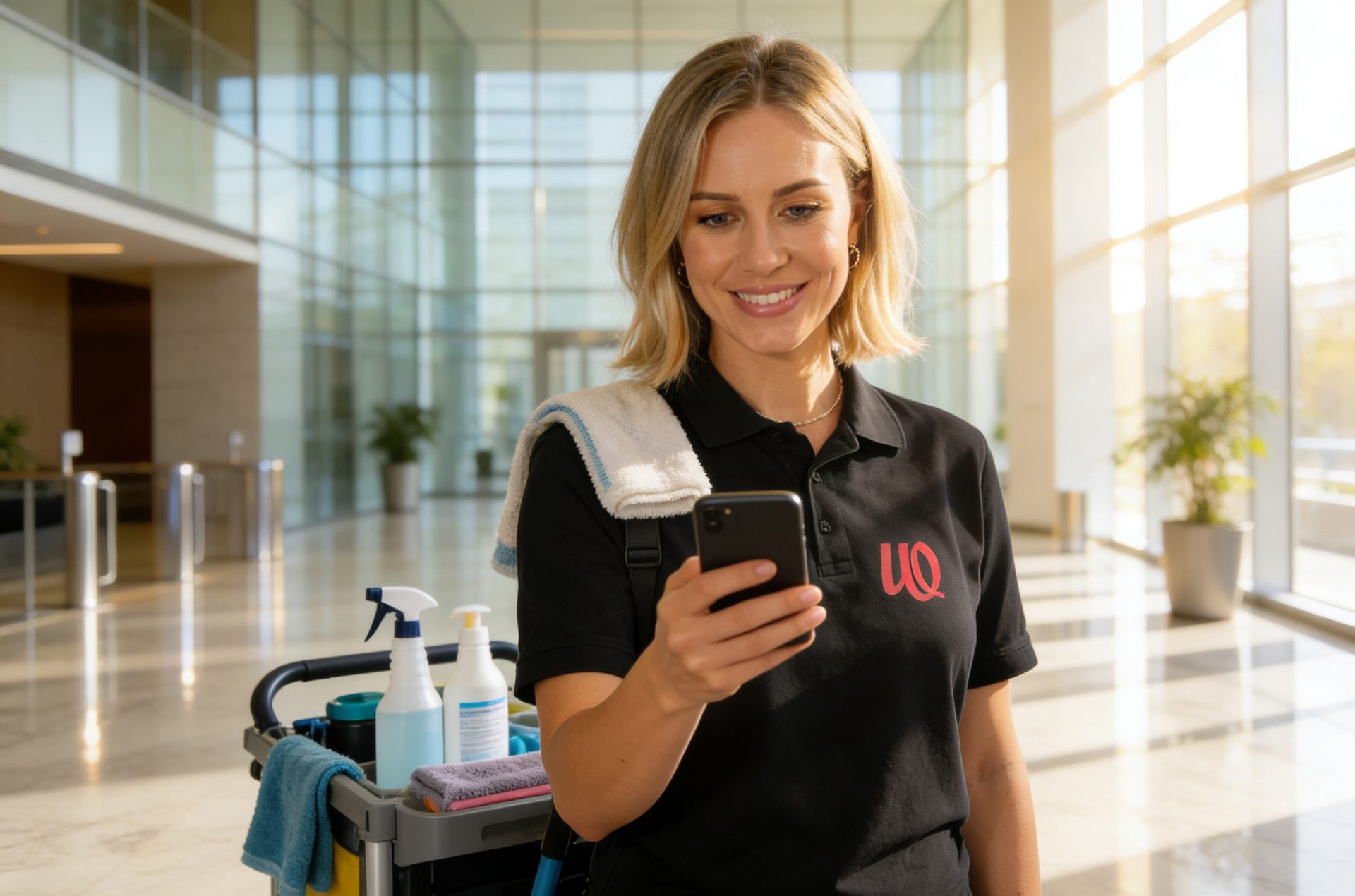
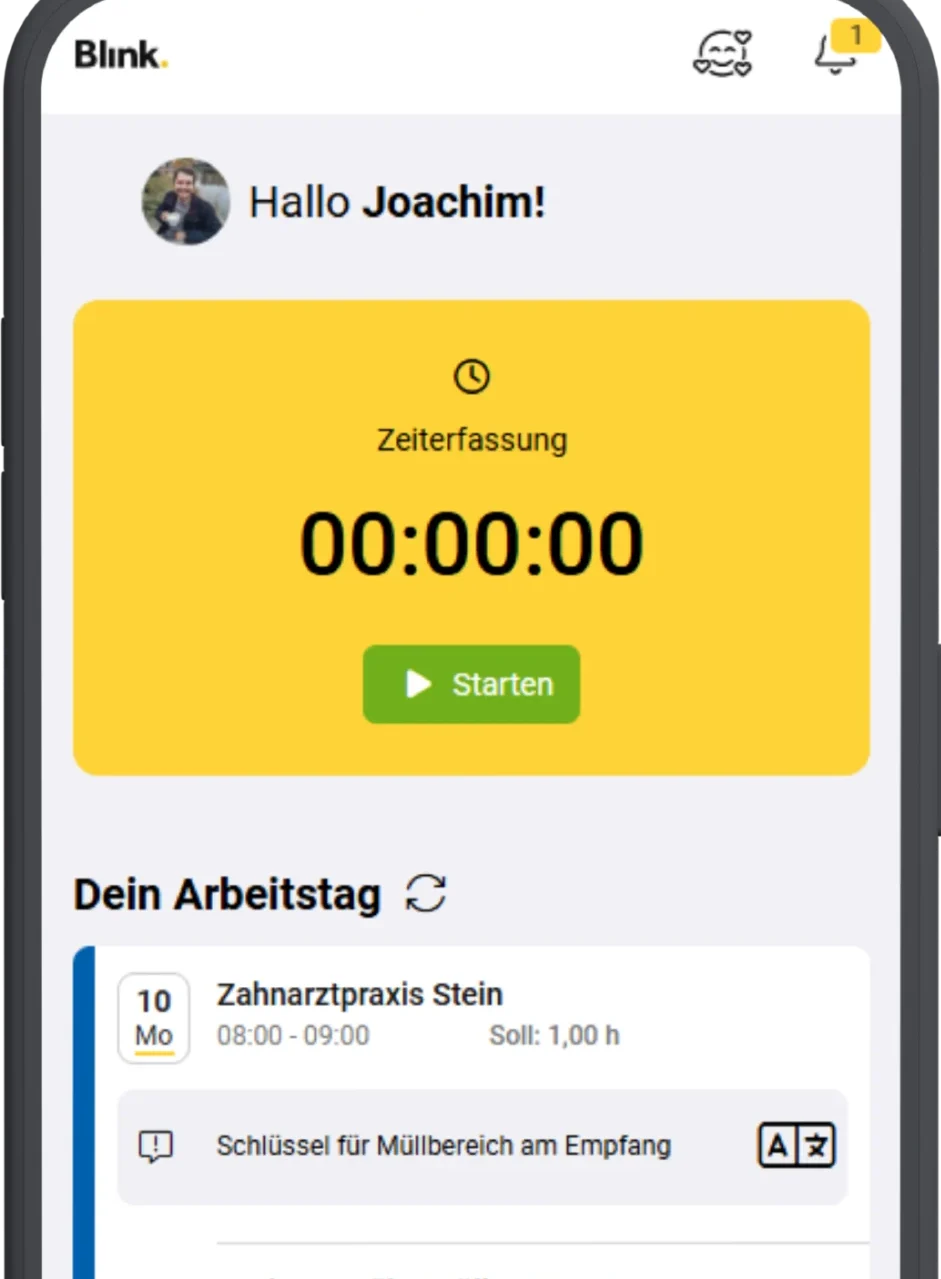
For your daily work, we also use the Blink me app. With it, you can conveniently manage many important tasks directly from your smartphone. For example, you can view your working hours, request leave, or receive important updates. The app is easy to use and available in multiple languages.
Download the Blink me App
Video: How the Blink me App Works
Sie sehen gerade einen Platzhalterinhalt von Vimeo. Um auf den eigentlichen Inhalt zuzugreifen, klicken Sie auf die Schaltfläche unten. Bitte beachten Sie, dass dabei Daten an Drittanbieter weitergegeben werden.
Mehr Informationen
Sie sehen gerade einen Platzhalterinhalt von Vimeo. Um auf den eigentlichen Inhalt zuzugreifen, klicken Sie auf die Schaltfläche unten. Bitte beachten Sie, dass dabei Daten an Drittanbieter weitergegeben werden.
Mehr InformationenWhy Blink me? Benefits at a glance
-
Easy Time Tracking: Clock in and out quickly using a QR code or NFC.
-
21 Languages & Translation Feature: Content, notices, and messages can be displayed in your preferred language.
-
Work and Leave Schedule: Keep track of your assignments and absences at all times.
-
Direct Communication: Chat function for quick communication with your site manager and team.
-
Tickets & Forms: Submit sick notes, leave requests, and important information digitally and easily.
-
Documents Available Anytime: Access important documents and information directly in the app whenever you need them.
-
Works Offline: Even without an internet connection, working hours can be recorded and will be synchronized automatically later.
Getting Started with Blink me is Easy
- Step: Download the app (Apple | Google Play)
- Step: Sign in. You will receive your login details from your site manager.
- Step: Get started. Use the app for time tracking, messages, and your work schedule.
Häufig gestellte Fragen
With Blink me, you can start and stop your working hours, view your work schedule and leave, check your recorded working hours, send messages, create requests, and access documents. The app also supports multiple languages and translation features.
No. Blink me normally uses very little data. Time tracking requires only small amounts of data. The app also works offline. If there is no internet connection, the data is stored on your device and synchronized automatically later. Wi-Fi can also be used.
No. GPS is not used for continuous monitoring. It is only used in connection with time tracking, for example when starting or stopping working hours. The app checks whether the recorded time is plausible for the assigned work location. There is no permanent live location tracking.
That is not a problem. Working hours can also be recorded without an internet connection. The data is stored on the device and transferred automatically once a connection becomes available again. This is especially useful in basements, technical rooms, or areas with poor reception.
The camera is required to scan QR codes. For example, it can be used to start or stop your working hours. Important: The camera is only used for scanning. It is not used continuously and is not used to take or store photos.
Yes. Every employee uses a personal and protected account. Data is transmitted in encrypted form. Not everyone can access all information. Access depends on assigned permissions. Data protection and security measures are continuously improved.
Blink me is designed to make your work easier. You can record working hours faster, view your hours, check your work schedule, and access important information in one place. Leave requests, messages, payslips, and documents can also be made available centrally in the app. This reduces effort and gives you a better overview.
The app works on many smartphones. Most Android devices and iPhones are supported without any issues. A camera is required to scan QR codes. Very old devices may have certain limitations. If you are unsure, your site manager can help test whether the app works on your device.
Mistakes can happen. The important thing is to report the issue as soon as possible. Your site manager can review the records and make corrections if necessary. Working hours can be added or edited later. Comments can help explain the issue, and all changes are documented.
Please contact your site manager. They will assist you with login issues, technical questions, and any problems related to the app.
Further Resources
Sie müssen den Inhalt von reCAPTCHA laden, um das Formular abzuschicken. Bitte beachten Sie, dass dabei Daten mit Drittanbietern ausgetauscht werden.
Mehr InformationenSie sehen gerade einen Platzhalterinhalt von Turnstile. Um auf den eigentlichen Inhalt zuzugreifen, klicken Sie auf die Schaltfläche unten. Bitte beachten Sie, dass dabei Daten an Drittanbieter weitergegeben werden.
Mehr Informationen